Voice Recorder With Transcription: 7 Best Apps and AI Recorders

The meeting ends and someone asks who's calling the supplier on Friday. You remember the promise. You can't remember who made it.
A voice recorder with transcription gives you text you can search afterward. For an in-person meeting, open HypeScribe in your phone or laptop browser and choose Live Record. When you stop, you get a transcript with speakers and a list of tasks, so you can find the promise and hear the line again. For a quick note, the recorder already on your phone will do.
Quick picks
- A meeting where people take on tasks: HypeScribe Live Record, so you can see who took which one.
- A quick note to yourself: the free recorder on your phone. That's Voice Memos on an iPhone, Recorder on a Pixel, Voice Recorder on a Galaxy.
- You already use Otter or Notta for calls: their apps record in the room too. Check the free limits in the table before a long meeting.
- A site visit with a clipboard in hand: a clip-on recorder like the Plaud NotePin.
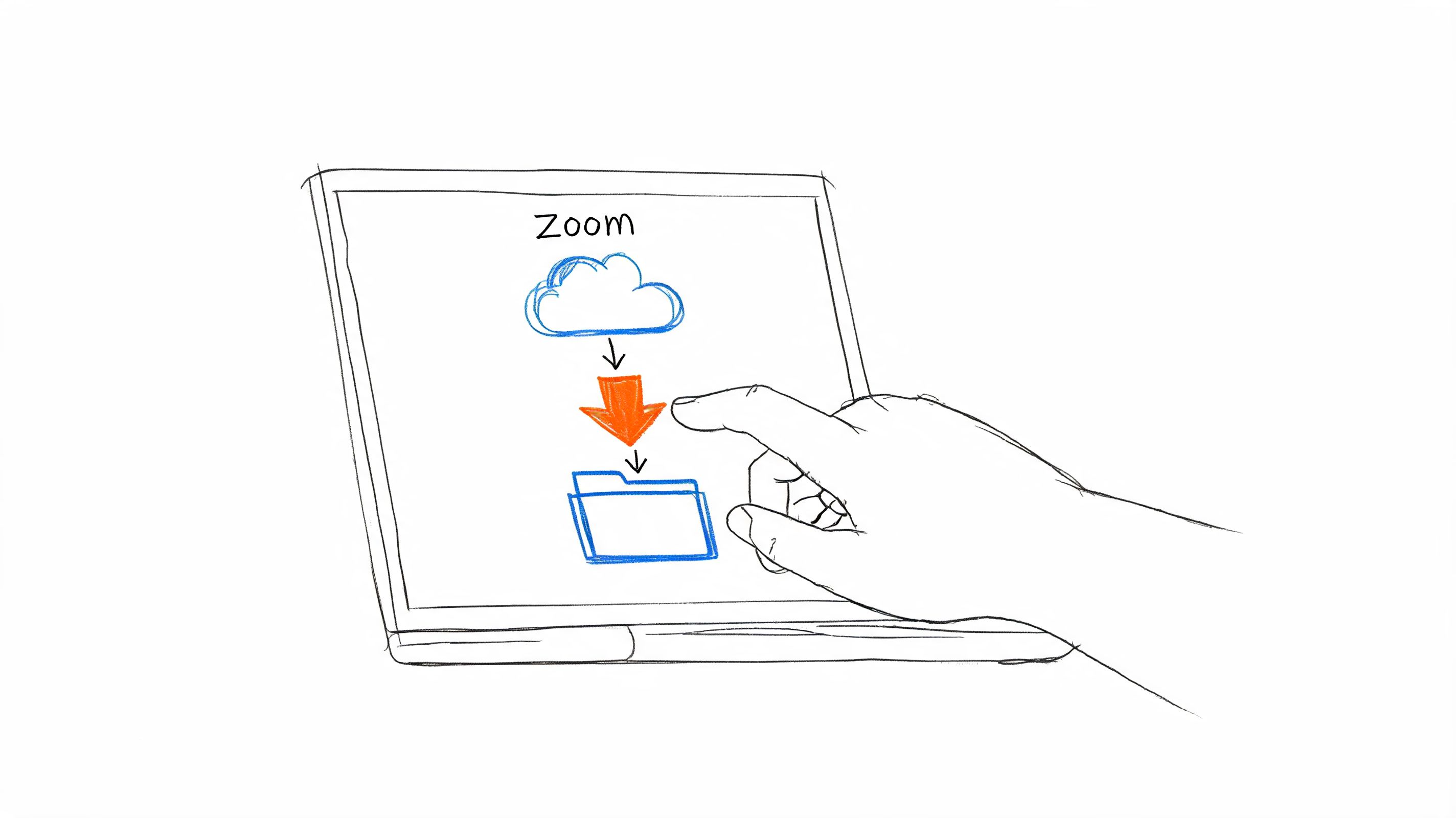
On a Zoom, Google Meet or Teams call you don't need a recorder at all: a meeting recorder bot joins the call. For phone calls, see our guide to recording a phone call.
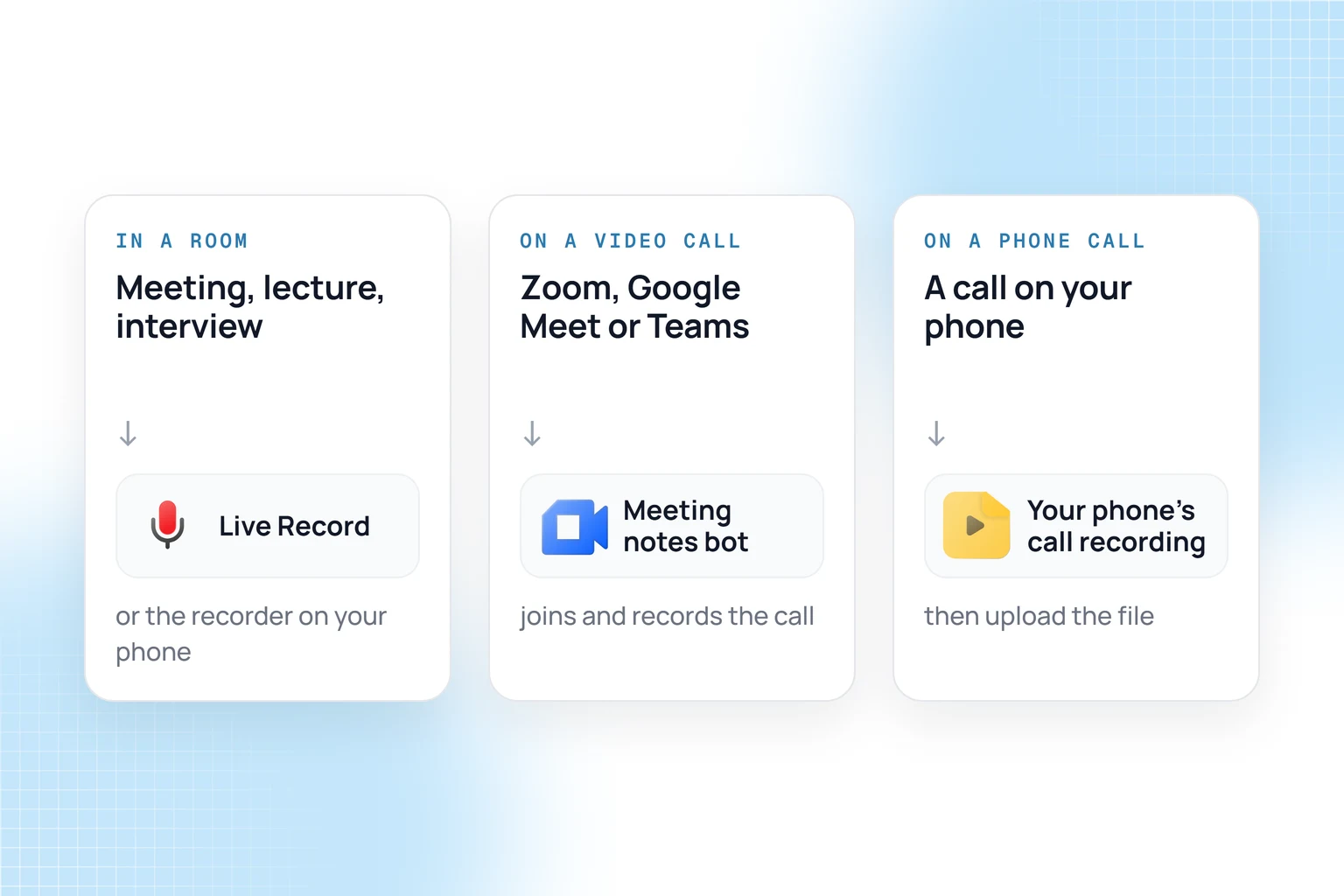
How Live Record works
Open HypeScribe in the browser on your phone or laptop and press Live Record on the dashboard. It's also in the Transcribe menu. The first time, your browser asks to use the microphone; allow it.
In the Record Live window, type a name, or leave the default and HypeScribe renames the recording from what was said. Under Input device, pick the microphone, for example a headset.
Press Start Recording. You can pause during a break. You can also minimize the window, and it keeps recording while you use the rest of HypeScribe.
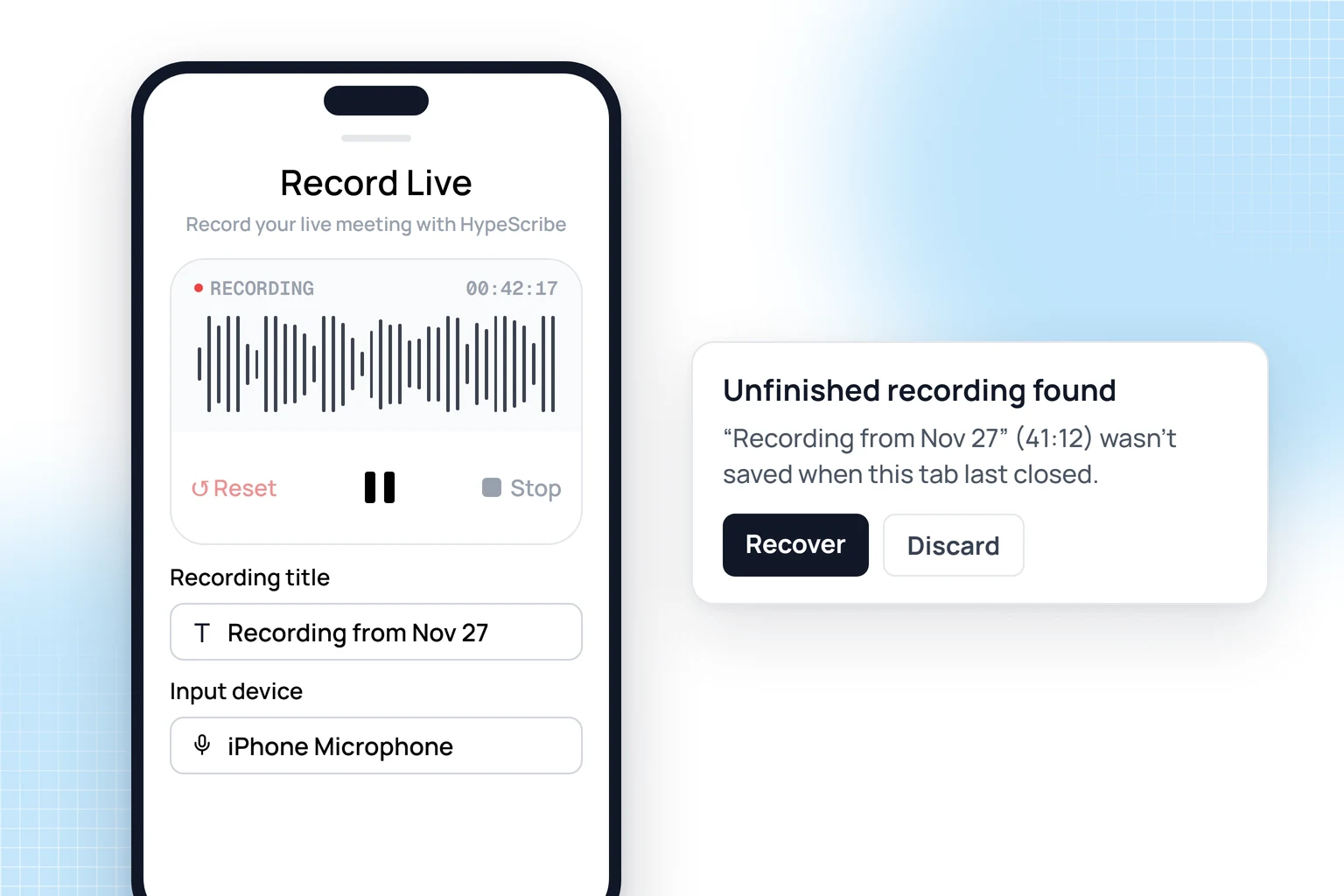
HypeScribe saves the audio in your browser and uploads it in parts while you record. Close the tab by accident and it asks if you're sure. If the browser crashes, open HypeScribe in the same browser within seven days to get back the audio it saved: look for "Unfinished recording found" and press Recover.
When the meeting ends, press Stop & Transcribe on a computer or Stop on a phone. The transcript is usually ready in a few minutes.
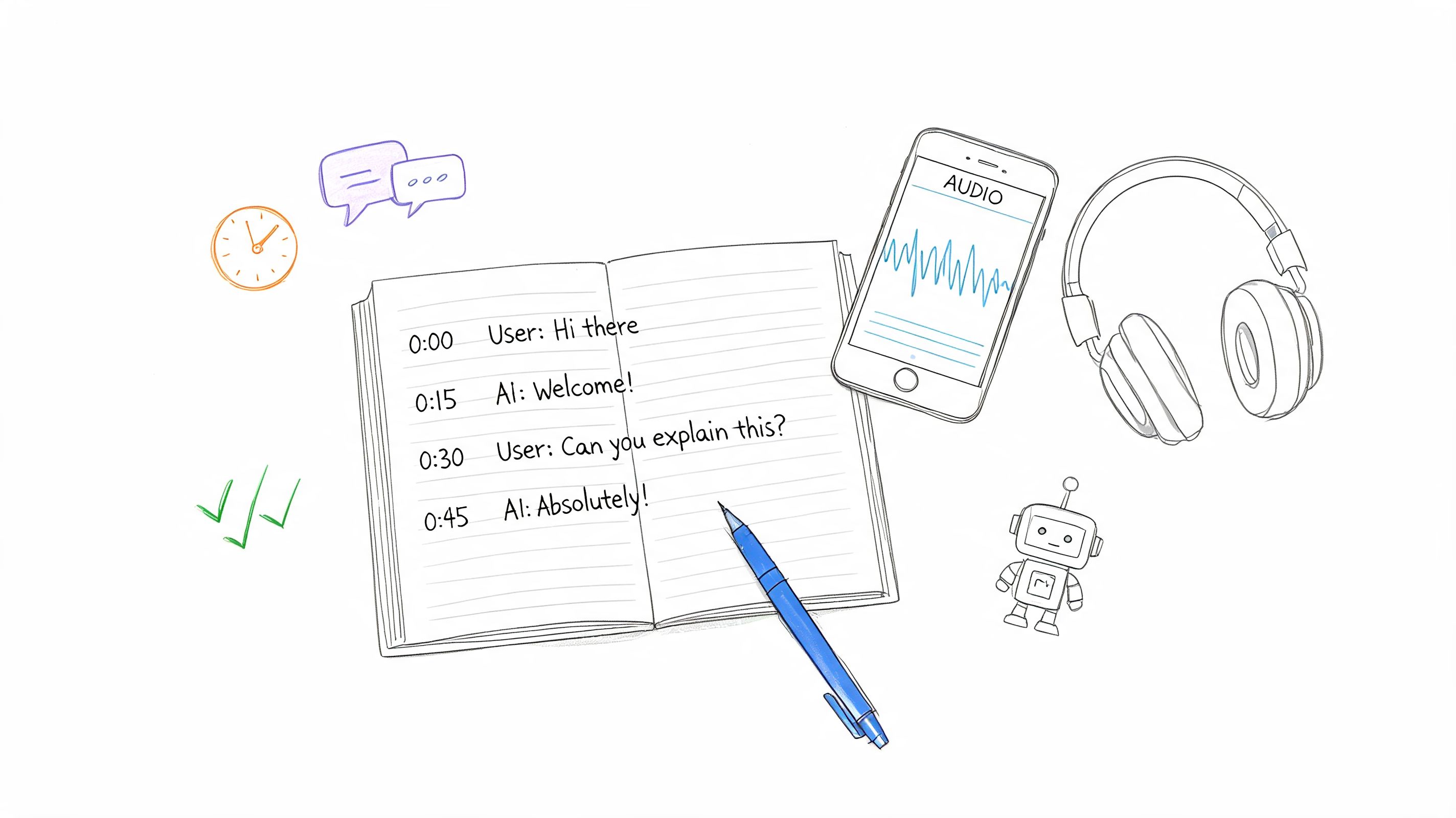
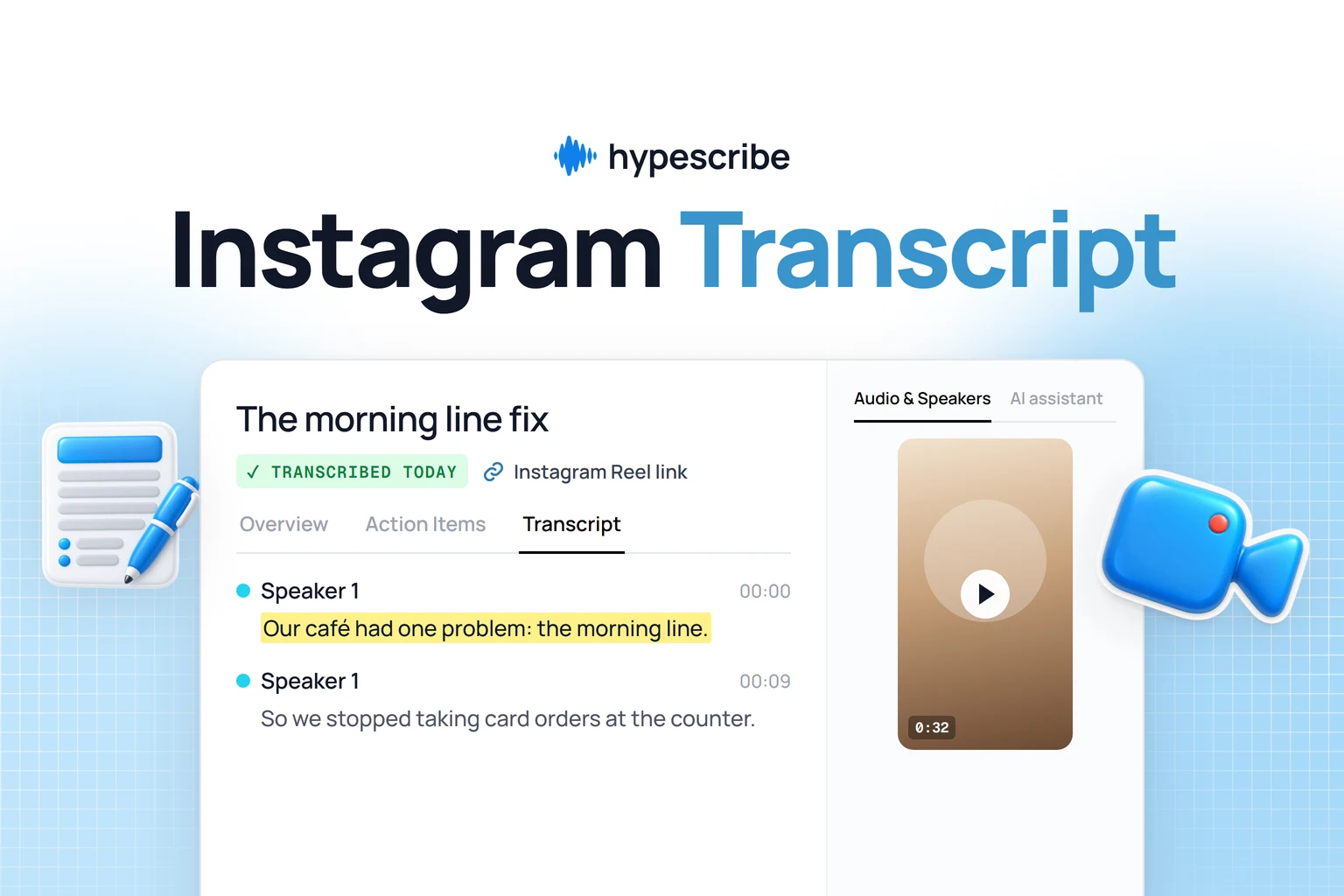
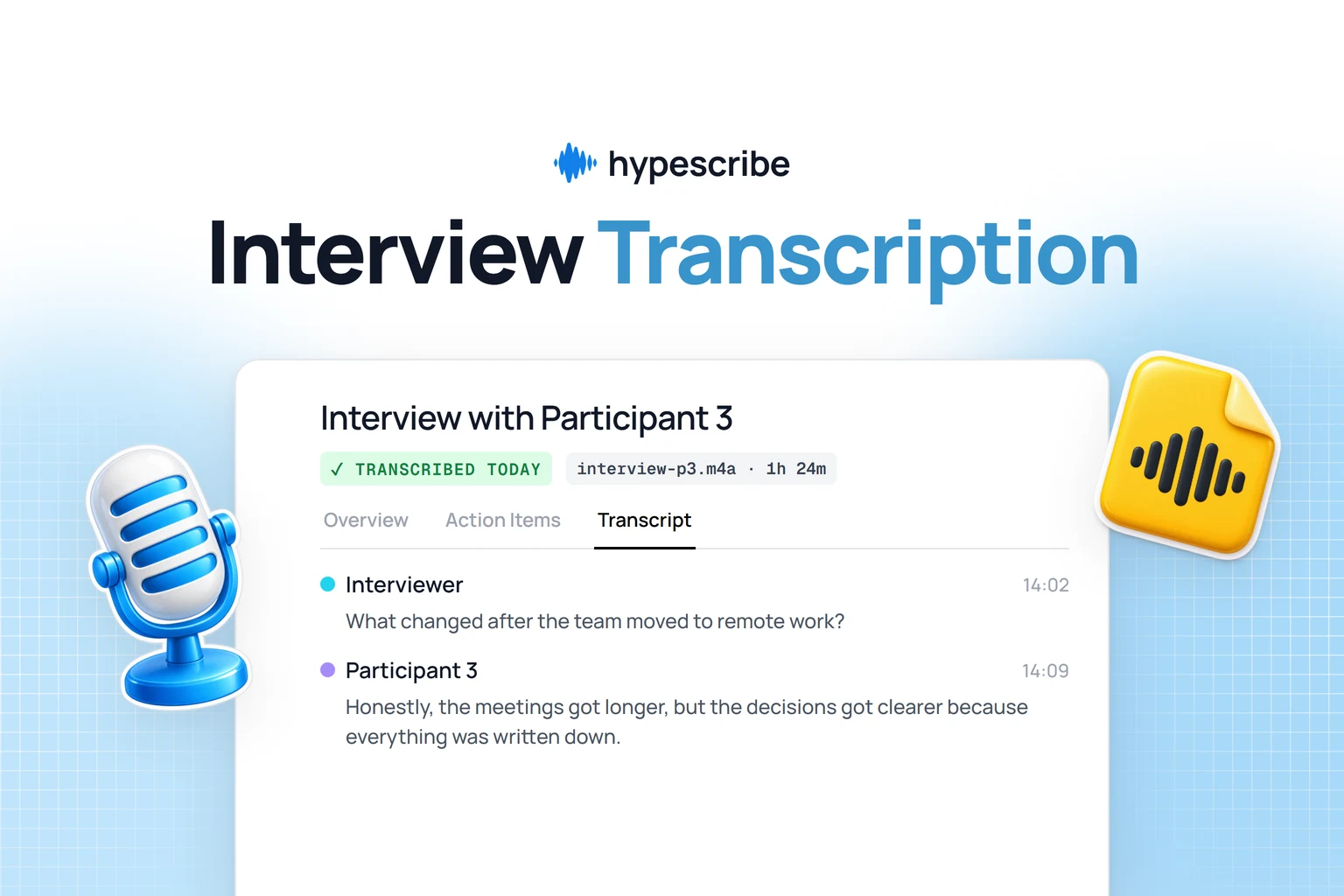
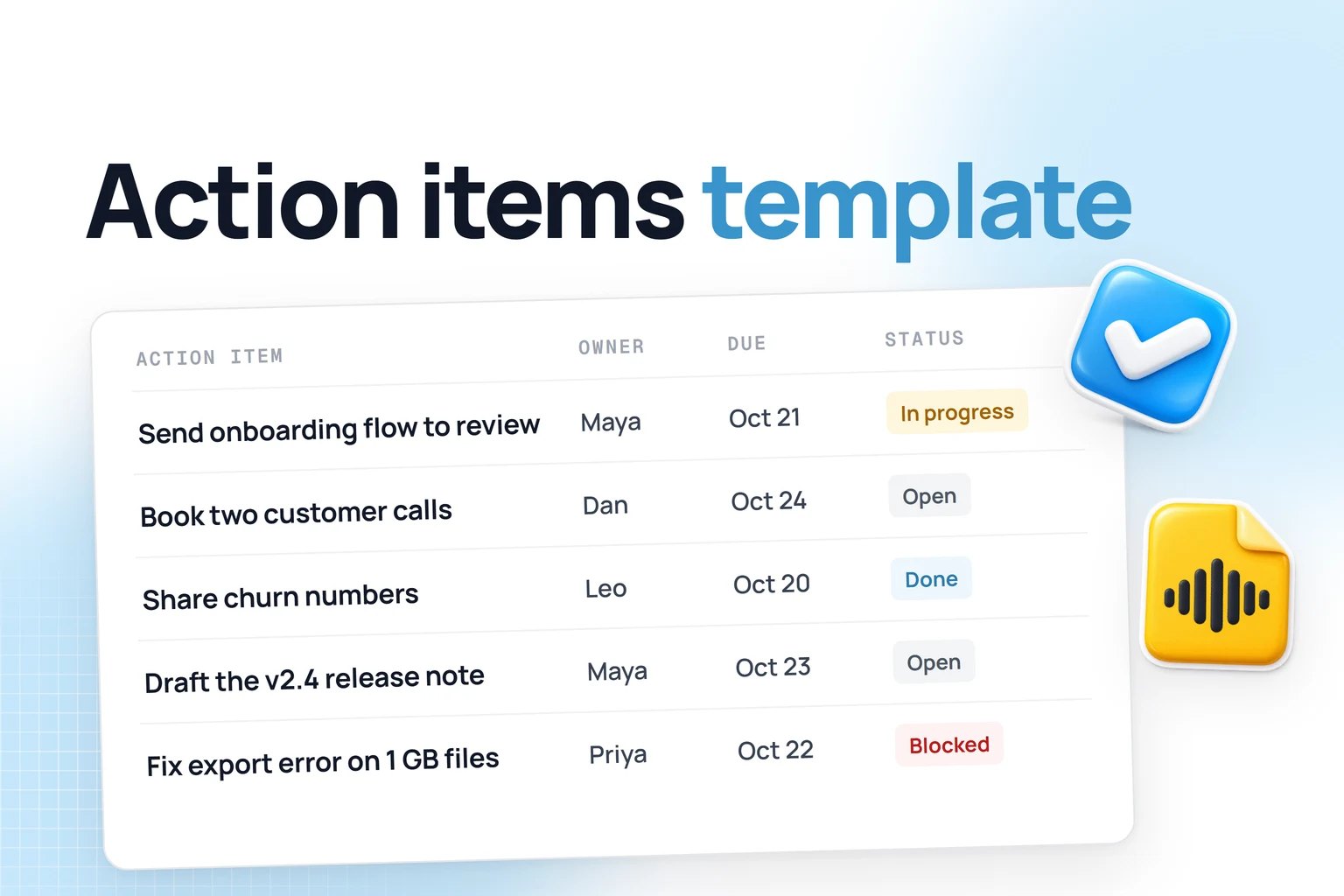
In this example meeting, the answer to the supplier question sits at 00:19. Marco says: "I'll call them Friday and ask for a partial shipment." Select the line and press Play from here to hear it. Action Items already lists "Marco: call the supplier on Friday about a partial shipment".
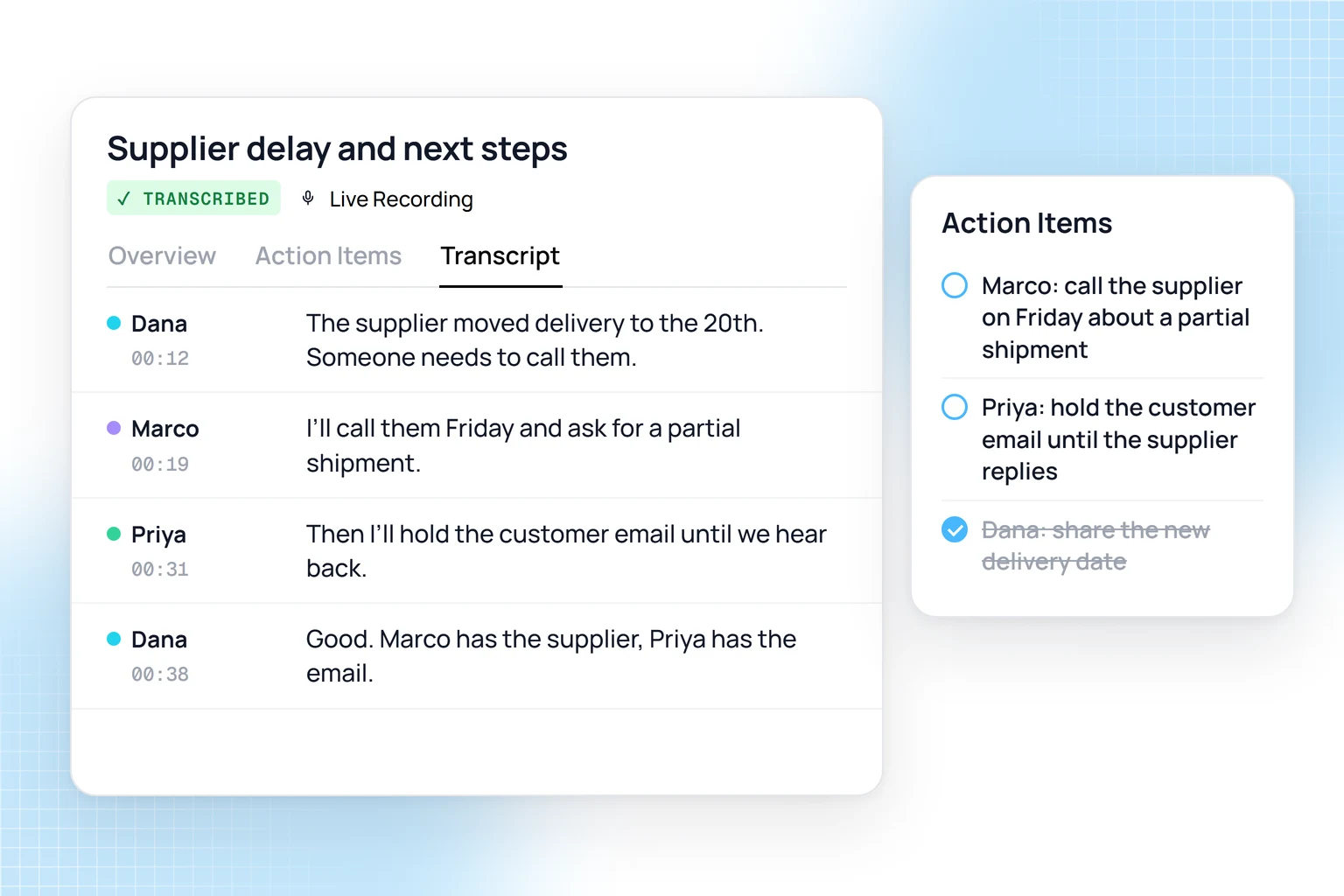
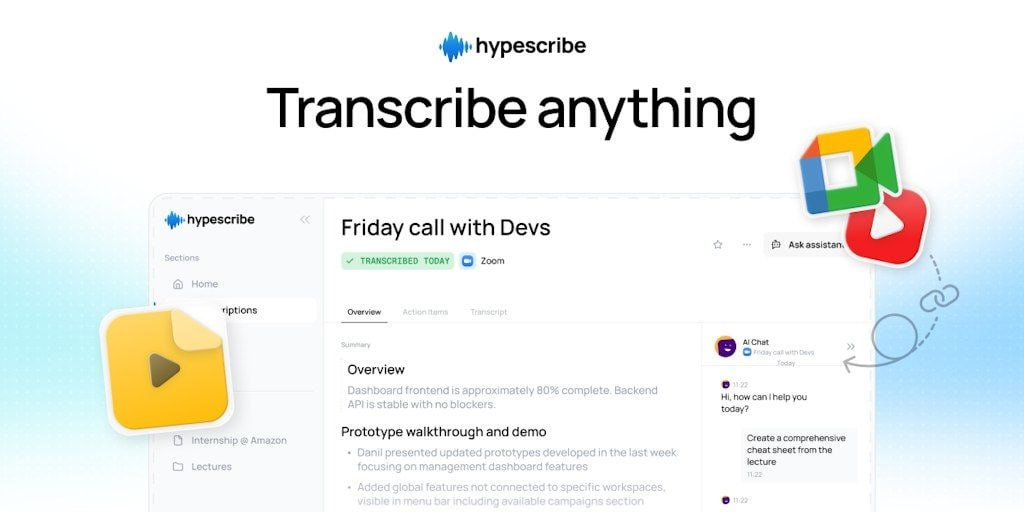
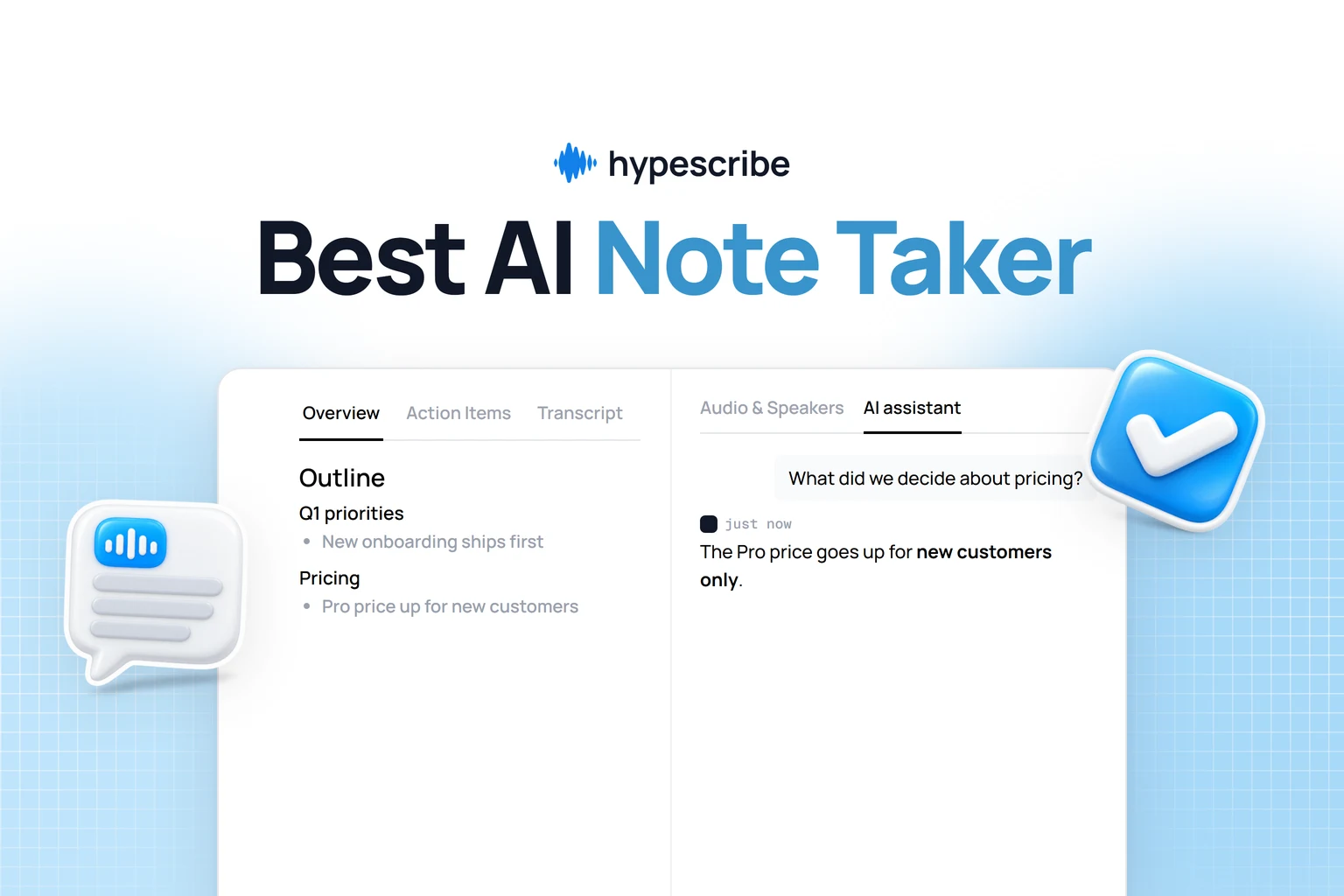
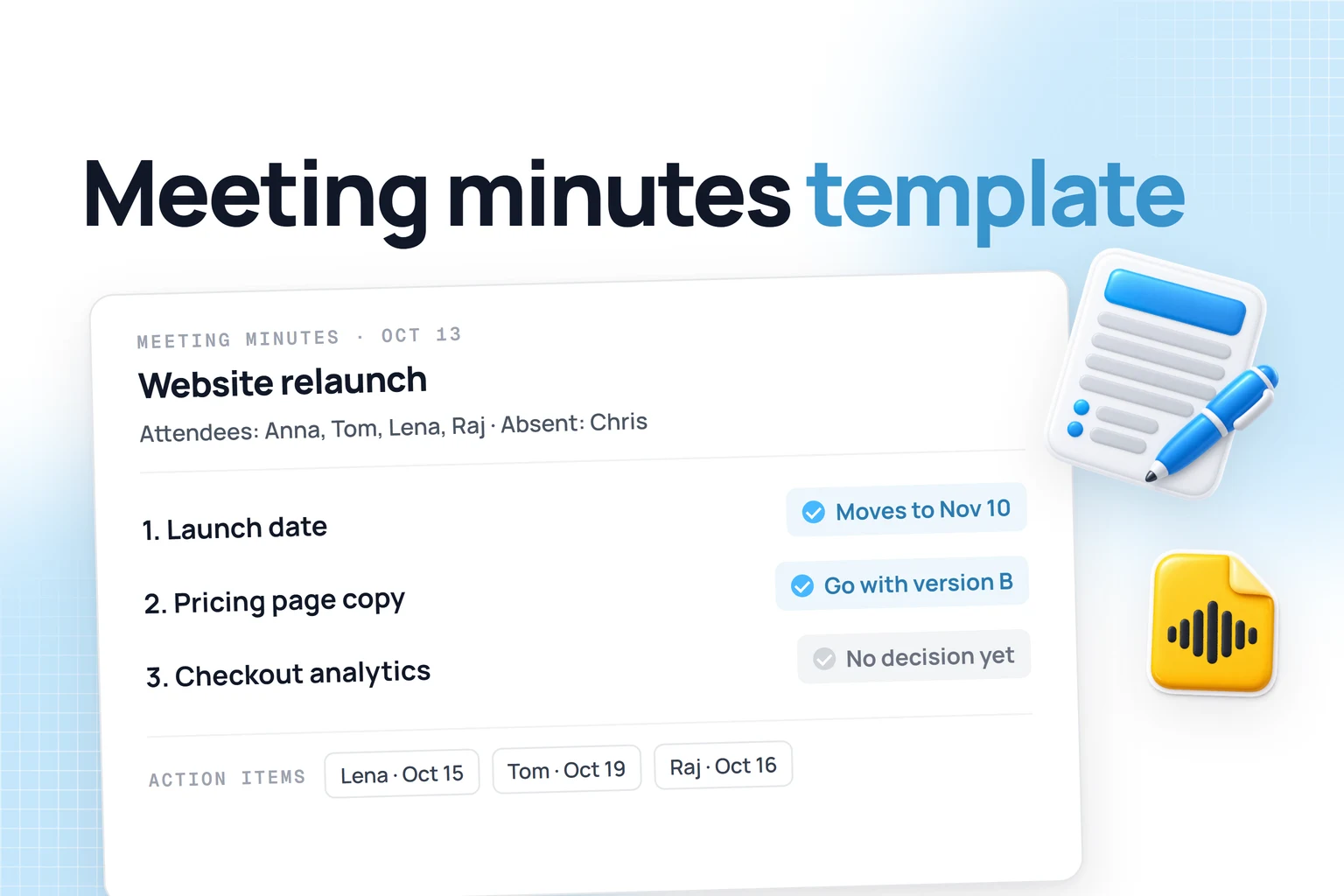
Ask the AI assistant "What did we decide about the customer email?" and it answers from this meeting, with GPT, Claude, Grok or DeepSeek. The Overview sums up the meeting in a few lines, and the Outline lists what was discussed. Rename a speaker once and the name changes everywhere. Download the transcript as TXT, DOCX, PDF, SRT or Markdown, or send it to Google Docs. Download audio saves the recording itself as an MP3. HypeScribe has 3 free transcriptions a month, then plans from $6.99 a month.
For a better transcript, put the phone in the middle of the table, closer to the quiet speaker than to the coffee machine, and on a phone keep HypeScribe open on the screen until you press Stop.
7 voice recorders with transcription compared
We checked each one on its official pages on November 27, 2026. "Not listed" means we didn't find it on their official pages.
Free recorders already on your phone
Voice Memos on an iPhone 12 or later with iOS 18 shows the transcript as you talk. When you're done, tap Copy Transcript and paste it into a note or a message.
Pixel's Recorder lets you save the text as a TXT file or send it to Google Docs after the recording. On a Pixel 6 or later it also labels speakers, in US English.
Galaxy owners with One UI 6.1 or later on a supported phone get Transcript Assist in Voice Recorder, with a summary once they sign in to a Samsung account.
Recorded the meeting with one of these and now need speakers and tasks? Upload the file to HypeScribe from your phone or computer, or forward it to your personal HypeScribe email address, and you get the same speakers, timestamps and Action Items. Voice Memos files (M4A) work as they are. Here is how to transcribe Voice Memos from an iPhone or a Mac.
When an AI voice recorder is worth it
Start a recording on the device while the phone stays in your pocket: that's what a clip-on recorder like the Plaud NotePin is for. The recording goes to the Plaud app, and Plaud says transcription needs a paired phone and an internet connection. The NotePin records the people around you; Plaud's Note and Note Pro also record phone calls.
The NotePin costs $159 at list price. Its 300 included minutes a month cover about five one-hour meetings; past that, Plaud sells paid plans. If you mostly record sitting at a table, the phone you already have does the recording, and there's no extra device to charge.
Send the notes where you work
Marco's call can go to Asana or Trello as a task with the Send button, and the summary to Slack or a Notion page. Recording classes? See our list of apps for recording lectures. Claude and ChatGPT can search your recordings over MCP, and API keys are there for your own scripts.
HypeScribe doesn't see or store your recordings, and you can delete your transcripts at any time. Nobody on the team watches, listens to or reads them, and they are never used to train AI. Files are encrypted, and a transcript stays private until you share it.
Weeks later
Find who promised what
Search your library for the meeting, open the transcript and ask the AI assistant what was agreed.

FAQ
Can a voice recorder transcribe as you record?
Voice Memos on iPhone shows the text as you talk. HypeScribe Live Record transcribes after you press Stop.
Is there a free voice recorder with transcription?
Yes. The recorders built into iPhone, Pixel and Galaxy phones transcribe at no extra cost on the phones that support them, and Otter and Notta have free plans with monthly limits.
Is it legal to record a conversation?
In the US it depends on the state and on who agrees to it. Our guide on recording a conversation without consent goes state by state.
Which languages does HypeScribe understand?
99+ languages. It detects the language of the recording on its own, and the Overview and Action Items can be translated.