Your Best Student Note Taking App: A 2026 Guide

You open your laptop after class and stare at a document full of half-finished bullets, random abbreviations, and one line that just says “important???” You remember the professor explaining it clearly. You do not remember what that one diagram meant, why everyone laughed when they mentioned an exception to the rule, or what you were trying to write when the slide changed.
That's the part students rarely talk about. The hard part isn't only “taking notes.” It's trying to listen, think, understand, and record at the same time.
If you've ever left a lecture with pages of notes that still somehow feel incomplete, you're not doing college wrong. You're running into a workflow problem. A notebook, whether it's paper or a plain text doc, can only do so much. It stores information. It doesn't help you rebuild the moment when the idea first made sense.
A strong student note taking app changes that. Not because it's flashy, but because it can turn one lecture into a system you can review, search, annotate, and study from later. That matters in any course. It matters even more in fast classes where ideas stack on top of each other. If you've ever learned how competitive students win more debate rounds by tracking arguments in real time instead of trying to reconstruct them afterward, the same principle applies here. Good academic notes aren't just records. They're tools for retrieval.
Struggling with Lecture Notes? There Is a Better Way
Maya sits in the third row of biology, trying to keep up. The professor is moving through cell signaling pathways, the slides are dense, and every sentence feels testable. She starts by typing everything. Ten minutes later, she's missed the explanation that connected the pieces.
By the end of class, she has lots of text and very little understanding.
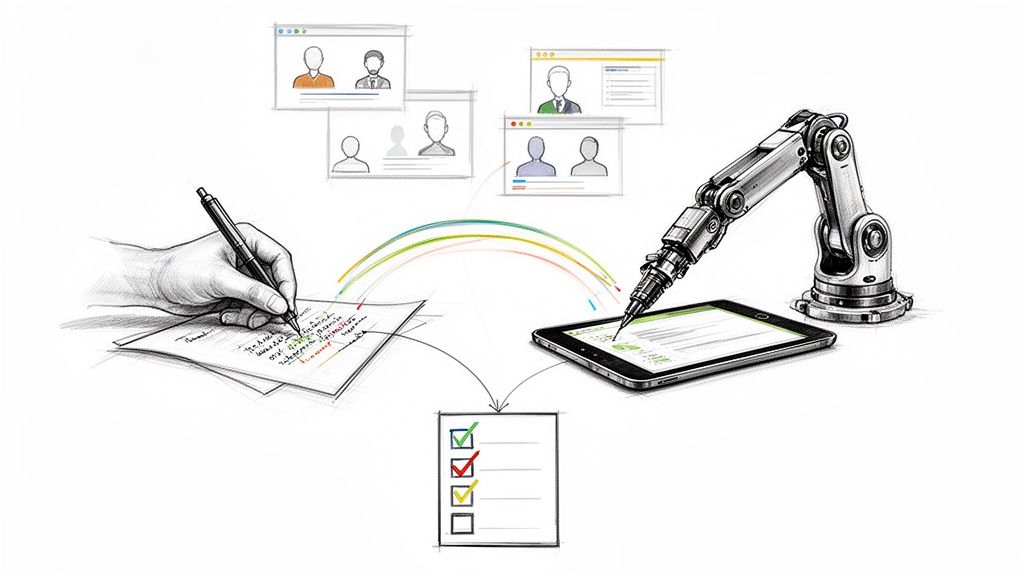
That's a common pattern. Students often assume the answer is to write faster, buy a nicer tablet, or download whatever app their roommate uses. But speed isn't the actual issue. The issue is that lecture note-taking asks you to do two different jobs at once:
- Job one is capture. You need a reliable record of what happened in class.
- Job two is learning. You need to notice patterns, ask questions, and decide what matters.
- Those jobs conflict. The more you focus on recording every word, the less mental space you have for understanding.
You shouldn't have to choose between paying attention and preserving the lecture.
A better approach is to separate those jobs. Let the app help with capture so your brain can do more of the learning in the moment. Then use review time to turn rough notes into something useful for quizzes, papers, and exams.
What changes when your workflow changes
A modern note-taking workflow might look simple from the outside. You record lecture audio when allowed, add a few short typed notes, tag confusing moments, and return later to clean things up while the class is still fresh in your mind.
That sounds small. It isn't.
Instead of leaving class with a messy transcript of panic-typing, you leave class with a traceable record and a set of thinking prompts. Later, you can revisit the exact explanation you missed, attach the slide deck, write a clearer summary, and generate study materials from the same source.
That's the shift this article is built around. Not “which app has the prettiest interface,” but which system helps you move from passive listening to active studying.
What Is a Modern Student Note Taking App?
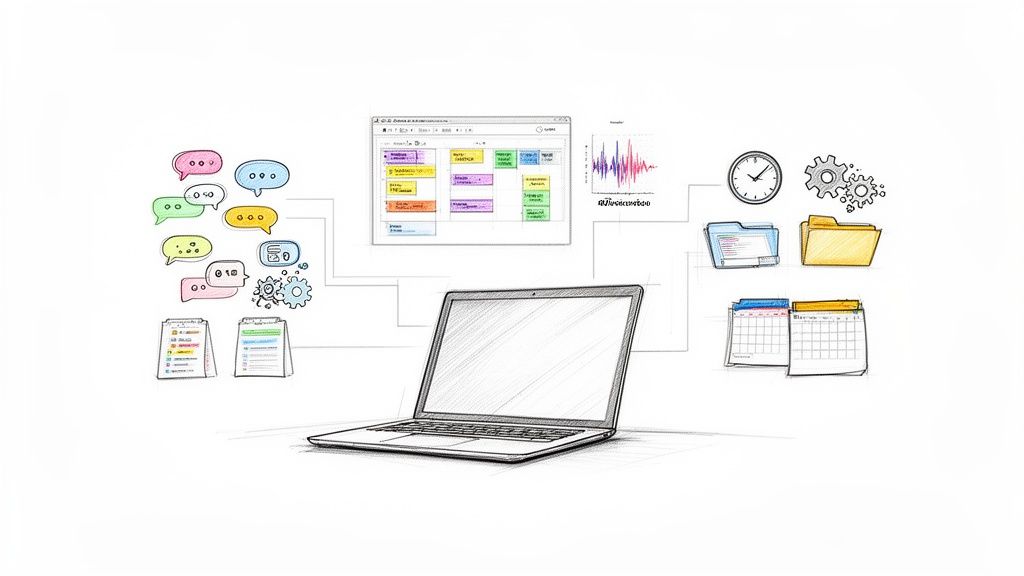
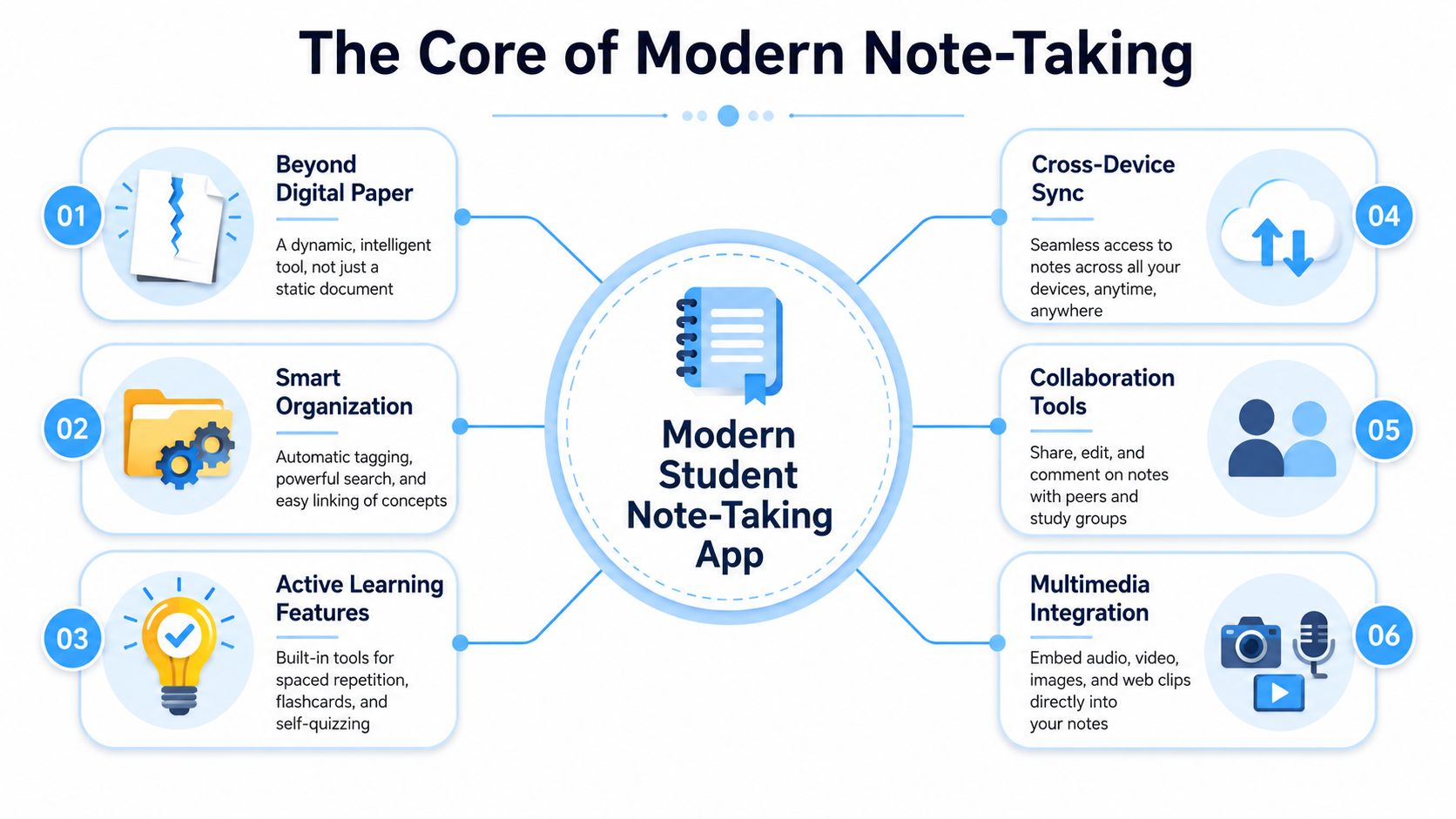
A modern student note taking app isn't just a digital notebook. It's closer to an academic workspace where multiple types of information live together and stay searchable.
Think of the difference this way:
| Old model | Modern model |
|---|---|
| A page of typed notes | A note that can include text, audio, drawings, files, and comments |
| One class session, one document | One class session connected to slides, timestamps, and follow-up review |
| Static record | Searchable, editable study material |
| Hard to revisit | Built for retrieval later |
Research and Markets projects the note-taking app market at USD 13.3 billion in 2026, rising from USD 11.02 billion in 2025 and reaching a projected USD 28.05 billion by 2030, with growth tied to digital education tools, smartphone adoption, the shift from paper to digital notes, and remote learning in its market report. Students are part of that shift because coursework now happens across laptops, phones, tablets, learning platforms, PDFs, and recorded lectures.
It does more than hold text
Many students still picture note apps as blank pages with better fonts. That's outdated. In real academic use, students often need to type, handwrite, draw, attach files, add multimedia, and include live recordings in the same notebook. Guidance from the University of Miami's academic technologies team also notes that cloud storage allows device-independent access and instant sharing, and that tools such as Glean and Otter can convert lecture audio into text, with real-time transcription in Otter supporting in-lecture highlighting and comments in its note-taking applications overview.
That changes what a “note” is.
A note stops being a static page and becomes a container for the class itself. Your typed outline, the professor's spoken explanation, the screenshot of a graph, and your follow-up question can all live in one place.
Why that matters for actual studying
When students get confused, it's usually because they're trying to study from fragments. The lecture audio is somewhere else. The slides are in the LMS. Their notes are incomplete. Their review sheet is a different document. Their group chat has the missing example.
A modern app reduces that fragmentation.
Practical rule: If your notes can't help you find, review, and test an idea later, they're only doing half the job.
The best way to think about a modern student note taking app is this: not as digital paper, but as a searchable academic hub. That's the standard students should use when comparing tools.
Core Features That Power Effective Studying
Features matter, but only if you connect them to a real problem. Students usually don't need “more tools.” They need fewer points of failure between lecture and exam.
Multimodal capture reduces overload
A lot of classes can't be captured well with text alone. Chemistry may need quick diagrams. History may involve dense verbal explanation. Economics might jump between graphs, definitions, and off-slide examples.
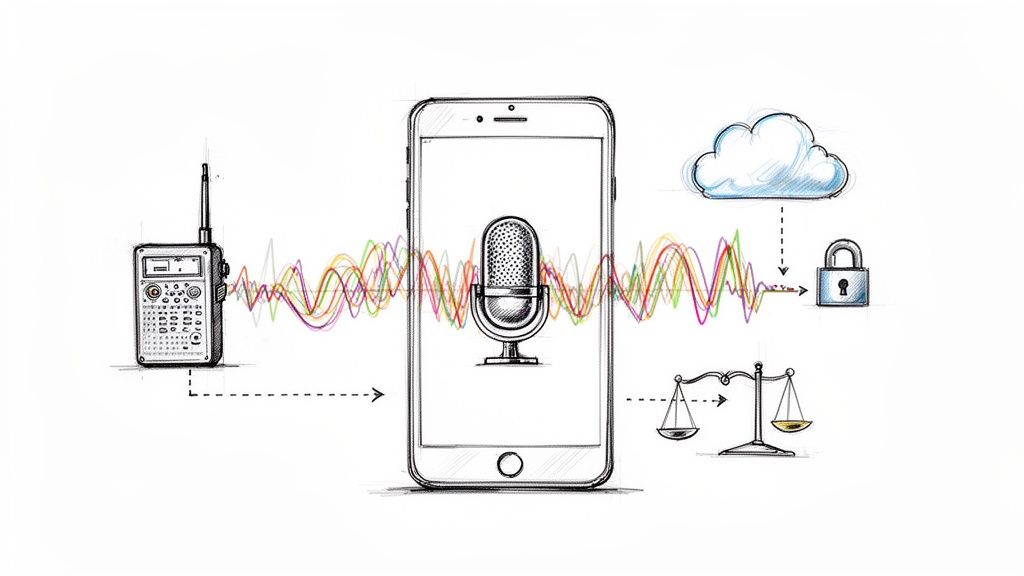
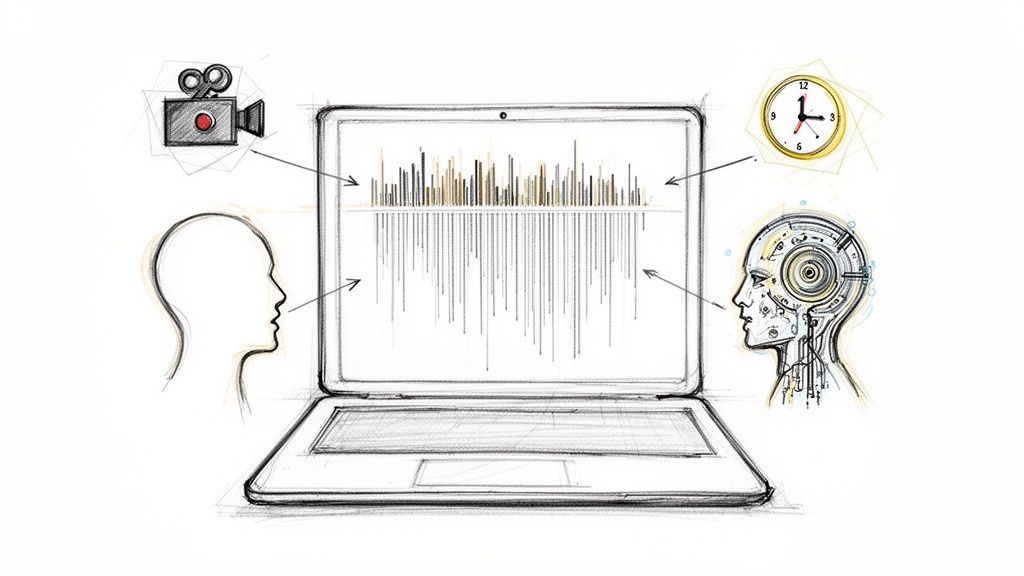
That's why effective student apps need multimodal capture. Students should be able to type, handwrite, draw, and record audio in one place. Real-time AI transcription also matters because it lets students annotate while the lecture is still happening, turning note-taking into active refinement instead of frantic reconstruction later, as described in the University of Miami guidance already cited above.
Here's what that solves in practice:
- For fast lectures: You can mark a confusing point without typing every sentence.
- For visual subjects: You can sketch a process or attach an image beside your text.
- For review later: You can return to the recorded explanation instead of guessing what your abbreviation meant.
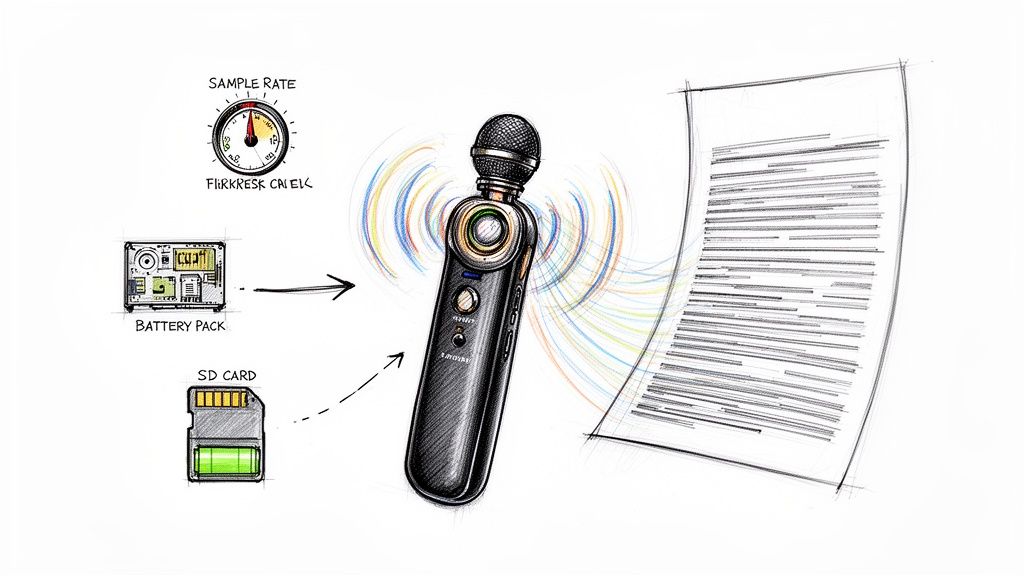
If you're comparing tools built around recorded class content, this guide to apps for recording lectures can help you think through what kind of capture setup fits your classes.
Search beats scrolling
Every student has had this problem. You know a concept was covered. You remember the room, maybe even the week. But you can't find the note.
Searchable notes fix one of the worst time drains in college: re-finding information you already learned once. A useful app should let you search across lecture titles, note text, and ideally transcript content if you work with recorded material.
That's not just a convenience feature. It changes how confidently you can build cumulative understanding across a semester.
If your class is cumulative, your notes should be cumulative too.
Organization should match your courses
Good organization isn't about making your dashboard look neat. It's about reducing friction at the exact moment you need to study.
A solid setup often includes:
- Course-based notebooks or folders so each class has a home.
- Tags for recurring themes like “midterm,” “unclear,” “formula,” or “essay evidence.”
- Linked notes or references so lecture notes connect to readings, problem sets, or lab material.
Students get stuck when they organize by date only. Date helps you remember when something happened. It doesn't help you remember why it matters.
Study tools should turn notes into recall practice
The strongest apps don't stop at transcription. They help convert raw material into study artifacts. Student coaching guidance notes that Otter can add AI-generated summaries and multiple-choice quiz questions after recording, while Glean converts lecture audio to text and allows slides and images to be incorporated into notes in its roundup for college students.
That points to a deeper principle. Verbatim notes are rarely enough on their own. Students learn more effectively when they can review summaries, pull out key takeaways, and test themselves.
Look for tools that help you create:
- Short summaries after each lecture
- Question prompts for self-testing
- Linked review sheets built from multiple class sessions
- Timestamped sections so you can revisit hard parts quickly
Smart Workflows From Lecture to Final Exam
The most useful student note taking app isn't the one with the longest feature list. It's the one that supports a workflow you will reliably follow weekly.
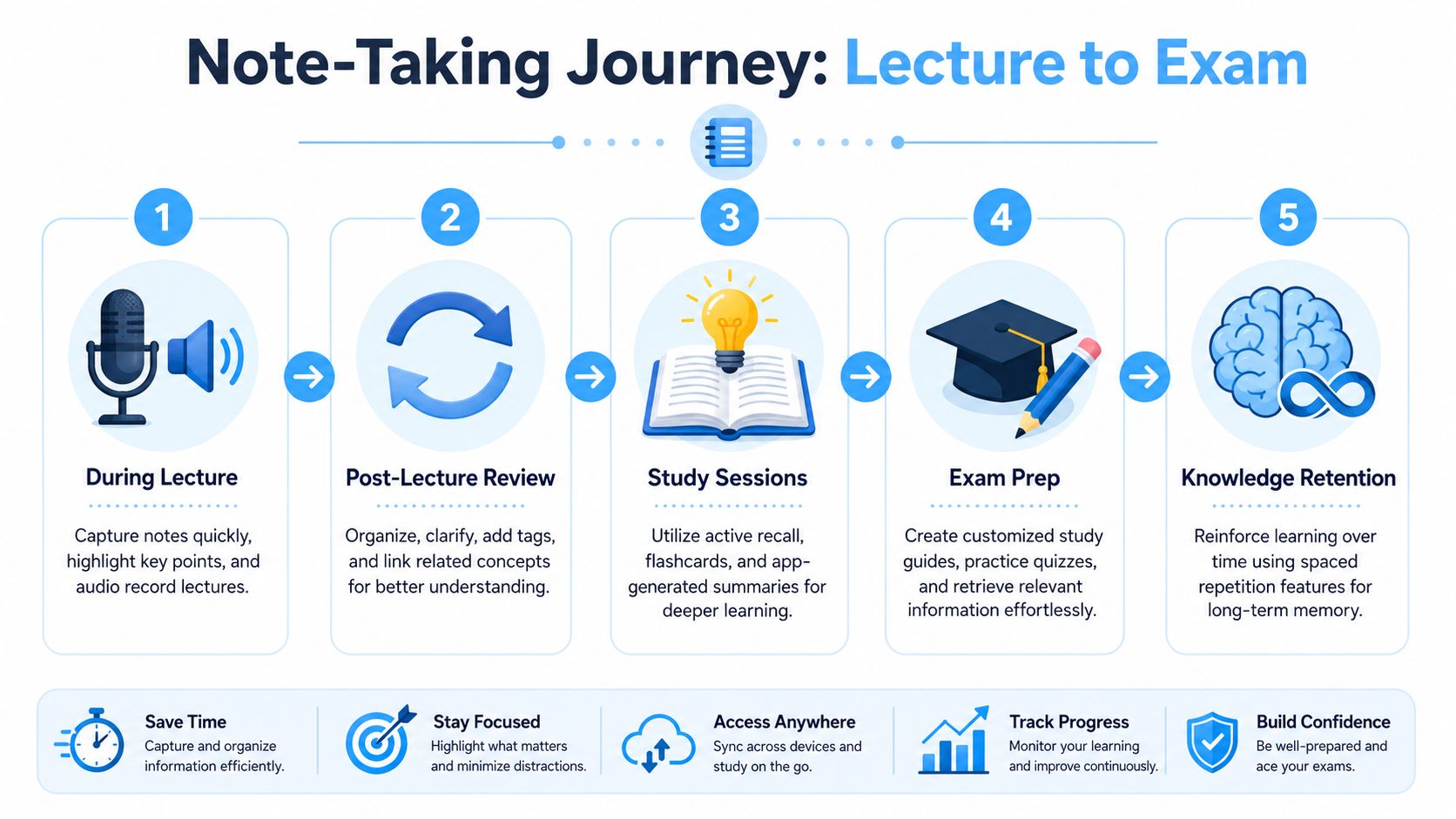
A simple lecture-to-exam workflow usually works better than an ambitious system you abandon after three days.
During class
Jordan is in a political theory lecture. Instead of trying to capture every sentence, he writes sparse notes:
- Hobbes on security over freedom
- compare to Locke
- professor says this shows up on essay
- unclear example at 24 min
That last note is the key. He doesn't stop the lecture mentally to catch up. He leaves himself a marker.
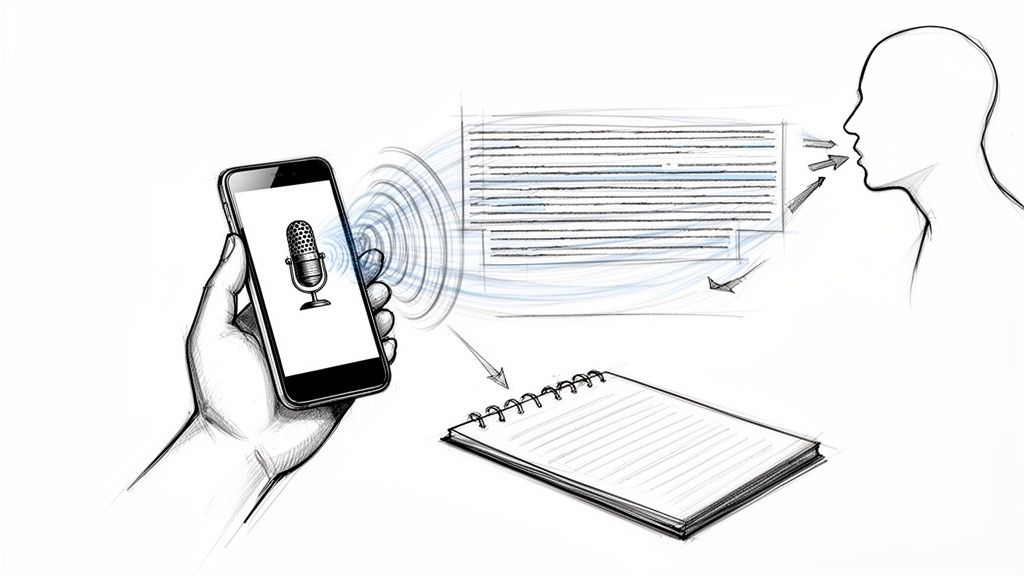
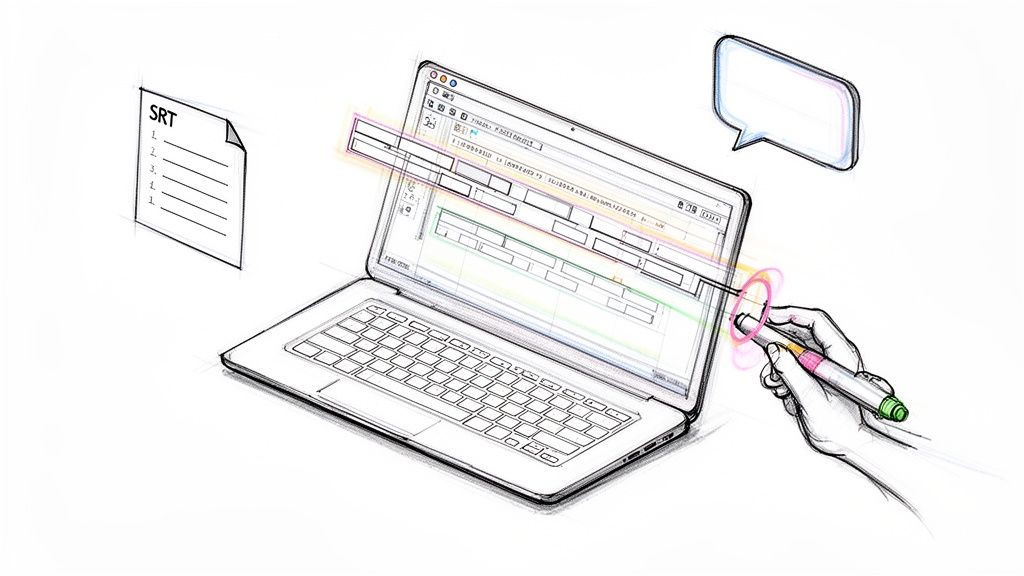
If your workflow depends on transcript-based review, tools for voice to text note-taking are useful because they let you capture spoken material and revisit it in text form later.
Right after class
The strongest review window is usually soon after the lecture, when you still remember what the professor emphasized.
At this point, you're not rewriting everything. You're cleaning and enriching:
| What you add | Why it helps |
|---|---|
| Clear headings | Makes future review faster |
| Definitions in your own words | Checks understanding |
| Tags like “exam theme” or “confusing” | Helps you sort later |
| Slide screenshots or reading links | Keeps context attached |
The best student note-taking apps turn lecture audio into actionable study artifacts instead of just transcripts. Features that create AI summaries, key takeaways, and practice quiz questions from the transcript reduce the manual work of re-listening and reformatting, according to the student coaching source cited earlier.
Raw capture is only step one. Learning starts when you reshape the material.
For students facing heavy reasoning exams, that reshaping matters even more. The same logic shows up in test prep. Strong review systems break dense material into repeatable analysis habits, which is one reason students look for strategies to conquer the LSAT instead of just reading more pages.
A short demo can also help make this workflow concrete:
In weekly study sessions
By the weekend, one lecture should already be turning into exam material.
That process often looks like this:
- Read your summary first. This gives you the big picture.
- Review the detailed notes second. Fill in nuance.
- Use generated questions or your own prompts. Test recall without looking.
- Build a running study guide. Pull the strongest points from each week into one exam file.
Group projects can use the same logic. A shared notebook keeps meeting notes, assigned tasks, and source material together. Research-heavy classes benefit too. One note can hold the article PDF, your annotations, and your discussion prep.
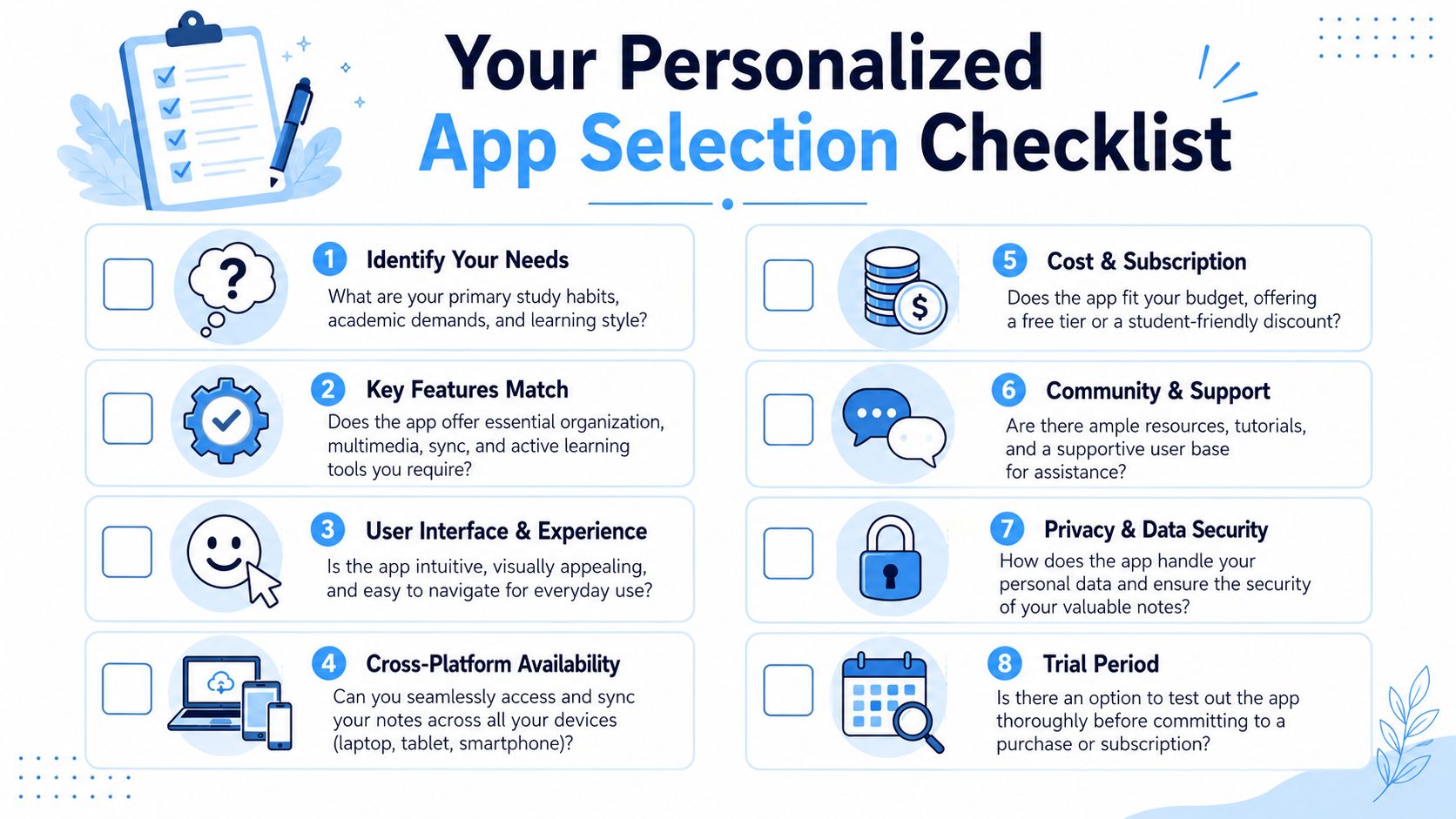
How to Choose the Right Student Note Taking App
There isn't one universally best student note taking app. There's only the app that best matches your classes, devices, and study behavior.
That's good news, because you don't need to chase whatever app is trending. You need a tool that fits the way you already learn, plus a few ways you want to improve.
Start with your academic reality
Ask yourself a few honest questions:
- What devices do you use? If you switch between laptop and phone every day, syncing matters more than fancy formatting.
- What kind of classes are you taking? STEM students may need drawing and handwriting support. Humanities students may care more about long-form text, quotes, and search.
- Do you study alone or with other people? Shared notes and comments matter more in collaborative courses.
- Do you need audio support? If lectures move fast, recording and transcription may matter more than template design.
Students often choose apps based on popularity, then get annoyed when the workflow doesn't fit the class. That's backwards.
Use a personal decision filter
A quick comparison framework helps:
| Question | What to look for |
|---|---|
| Will I use this on more than one device? | Reliable sync and easy access |
| Do I need diagrams or handwriting? | Stylus support or freeform canvas |
| Do I revisit lecture explanations often? | Audio recording and transcript support |
| Am I overwhelmed by cluttered apps? | Clean interface and fast search |
| Do I need help turning notes into review? | Summaries, questions, or study tools |
This same “fit first” idea shows up in other learning tools too. For example, students looking for expert advice on beginner language apps usually get the most value when the app matches their routine and motivation style, not just the most advertised feature list.
Don't ignore friction
A powerful app that feels annoying won't last past week three.
Pay attention to small things during a trial period:
- Open speed
- How many taps it takes to start a note
- Whether the layout makes sense during class
- Whether review feels easier after using it
If an app creates extra setup work every time you enter class, you probably won't stick with it. Consistency beats complexity.
Students exploring broader digital workflows may also find it useful to compare note tools inside a bigger list of student productivity apps. Sometimes the right choice becomes obvious when you see how note-taking fits into your full study routine.
Integrating a New App into Your Study Habits
The biggest mistake students make is treating a new app like a rescue plan. They download it on a stressed Tuesday, use it once, and expect their whole semester to feel organized.
That rarely works.
A note-taking app only helps when it becomes part of a repeatable routine. You don't need a perfect setup. You need a simple one you'll keep using.
Set it up before pressure hits
Spend a short block of time before the week starts creating a structure you can reuse:
- Make one notebook or folder per class
- Create a simple naming pattern like “BIO 204 Week 3 Lecture”
- Choose a few tags only such as “exam,” “question,” and “review”
- Decide where readings and slides will go
This prevents the “I'll organize it later” trap that turns into digital clutter by midterm season.
Build one small habit first
Don't try to master every feature in one week. Pick one behavior that solves your biggest problem.
If you miss key explanations, use audio-linked notes when your course policies allow it. If you can't review efficiently, focus on writing a three-sentence summary after each lecture. If exam prep feels scattered, build one running study guide from your weekly notes.
Start with the bottleneck, not the full feature set.
Here's a practical first-week plan:
- Use the app for every class for seven days.
- Review each lecture within a day.
- Add one summary and one question to every note.
- Schedule one weekly cleanup session.
That's enough to tell whether the system fits you.
Make weekly review non-negotiable
The app becomes powerful during review, not capture alone. A weekly session helps you rename messy files, merge duplicate ideas, tag difficult topics, and pull major concepts into an exam sheet.
Transcript-based tools can save time. For example, HypeScribe can transcribe lecture recordings and generate summaries and action items, which can make that weekly review more structured when you're working from spoken class content.
Students often think habit-building is the boring part. It's the part that creates relief. Once your system is predictable, you spend less time wondering where things are and more time learning from them.
Keep the workflow visible
If you forget to use the app, the problem usually isn't motivation. It's visibility.
Try simple reminders:
- Pin the app to your dock or home screen
- Open your course notebook before class starts
- Leave a recurring calendar block for weekly review
- Use the same note template each time
The easier the first step feels, the more likely you are to keep going.
Unlock Your New Study Superpower
A student note taking app won't magically make classes easy. It can do something just as valuable. It can give structure to the messy part between hearing information and learning it.
That's why the actual upgrade isn't “digital notes.” It's a better academic workflow.
When your app helps you capture lectures, revisit explanations, search old material, and turn notes into summaries or quiz prompts, you stop treating studying like a giant cleanup job. You start treating it like a sequence. Class. Review. Retrieval. Exam prep.
That shift can lower a lot of stress.
If your notes have been piling up all semester, don't try to rebuild everything tonight. Pick one course. Use one lecture. Test one workflow. Record when appropriate, write lighter notes in class, review them soon after, and turn them into something you can study from.
That's how passive note-taking becomes active learning. Not all at once. One repeatable habit at a time.
If you want a practical tool for transcript-based lecture review, HypeScribe is worth a look. It can turn spoken class content into searchable text, summaries, and structured notes, which can make it easier to move from lecture capture to actual studying.